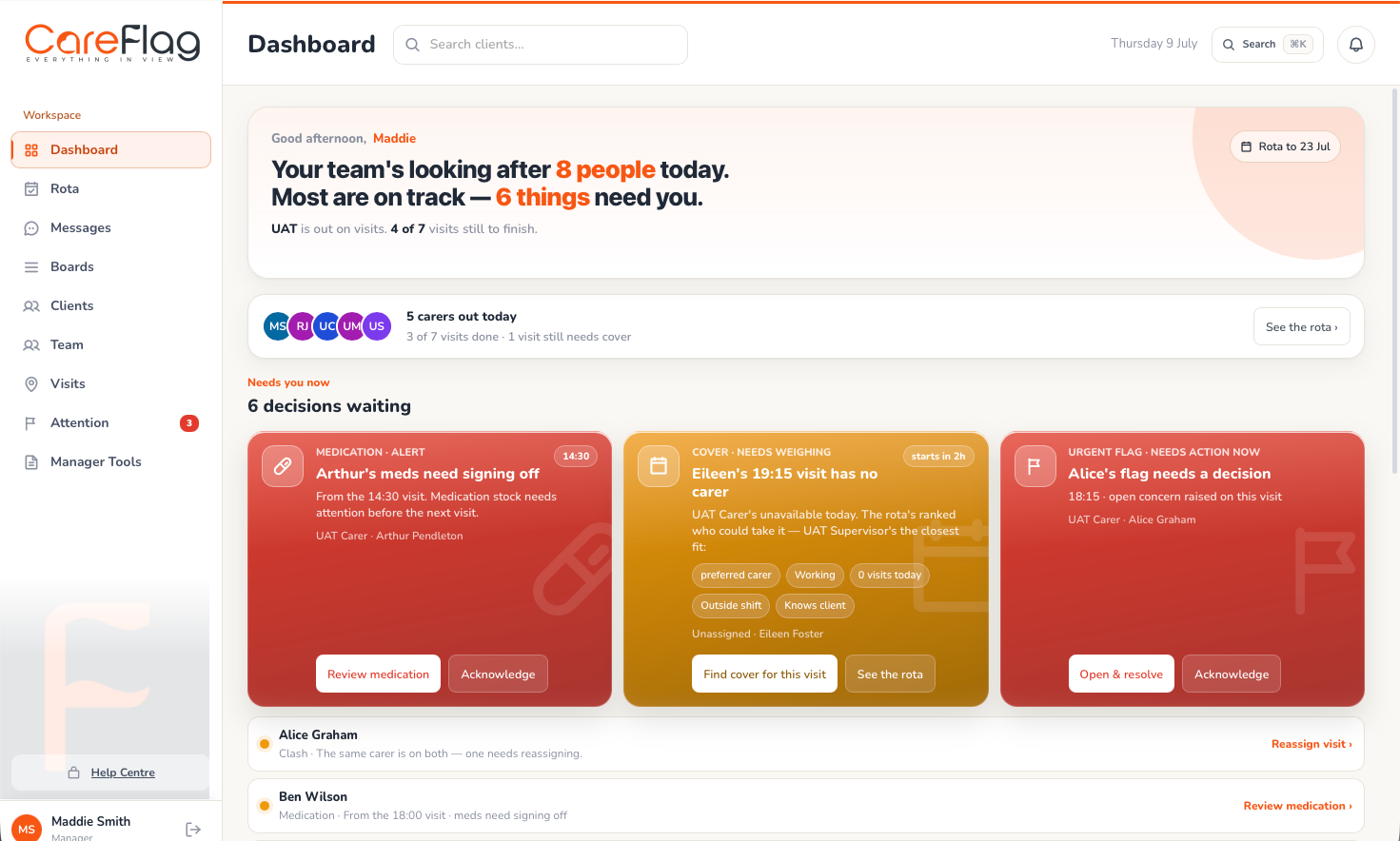
Start with the problem, not the feature list
Write down the operational problems you need to solve: rota changes, missed information between visits, delayed notes, medication follow-up, family queries, audit preparation or unclear manager visibility. A good demonstration should show how the software handles those scenarios, not only a menu of features.
Check the carer experience first
If carers find the system slow, confusing or overloaded, records will suffer. Ask to see the phone workflow for a normal day: viewing visits, reading key information, completing tasks, recording care notes, raising concerns and receiving rota changes.
Review rota and visit management
For domiciliary care, rota tools need to make travel, continuity, skills, availability, cover gaps and visit changes easier to understand. Ask how the system shows clashes, tight travel and the impact of changing a visit.
Look closely at digital care records
Digital records should make care notes, visit evidence, audit history and exports easier to review. Ask how records are dated, attributed, searched, exported and protected from inappropriate access.
Ask about medication workflows
If medication is part of your service, review how eMAR, PRN guidance, missed signatures and manager review work in practice. Ask what the carer sees during the visit and what the office sees when something needs action.
Test reporting and audit evidence
Ask for examples of care logs, MAR-related exports, attendance evidence, concerns, audit trails and management reports. The best reports help managers act earlier, not only assemble paperwork later.
Understand family access
If relatives or trusted contacts need updates, ask what they can see, what they cannot see, who controls sharing and how per-client permissions work.
Check security and data protection questions
Ask about role-based access, audit trails, backups, recovery controls, data location, data exports, deletion support and how security questions are handled. Avoid vague reassurance; look for clear explanations.
Plan implementation and training
Software succeeds when rollout is paced. Ask how the provider supports setup, data migration, configuration, carer training, office training, pilot feedback and ongoing support.
Use a demonstration checklist
During a demo, ask the supplier to walk through a carer becoming unavailable, a medication issue, a family query, a care-note review, a report export and a new starter using the phone workflow.